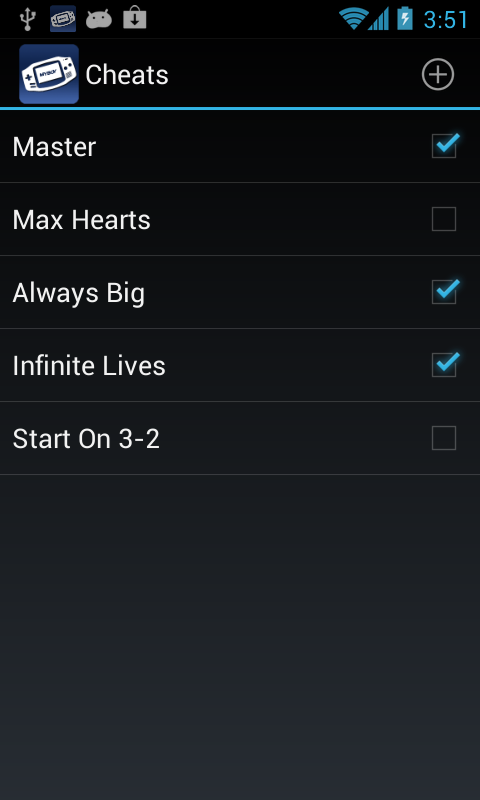
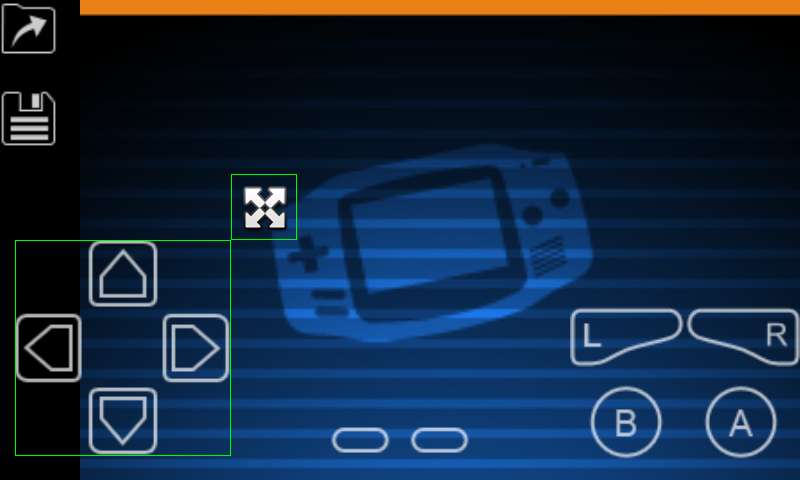
My Boy GBA Emulator APK is designed to let Android users run Game Boy Advance software on a phone or tablet. Instead of carrying a separate handheld console, users can manage compatible game files, adjust controls and use emulator features directly from a mobile device.
That sounds simple, but choosing an emulator is not only about whether a game opens. Performance, save support, control layout, device compatibility and legal use all matter. Understanding those details can help users decide whether My Boy! fits the way they want to play.
Why My Boy! Appeals to GBA Players
The main attraction is convenience. A modern Android phone has enough processing power to handle many older handheld games, so users can recreate much of the original GBA experience without carrying another device.
My Boy! is built around Game Boy Advance emulation rather than trying to support many console generations at once. That narrower focus can make the interface easier to understand for people who mainly want to play GBA titles.
Common emulator functions may include save states, screen controls, speed adjustment, game file management and display settings. Available features can vary by app version, device and whether a free or paid edition is being used. The most useful part is not simply being able to launch an old game. It is being able to adapt that game to a modern phone.
Save States Make Short Gaming Sessions Easier
Traditional Game Boy Advance games normally expect players to save through the game’s own built-in system. An emulator can add another option through save states.
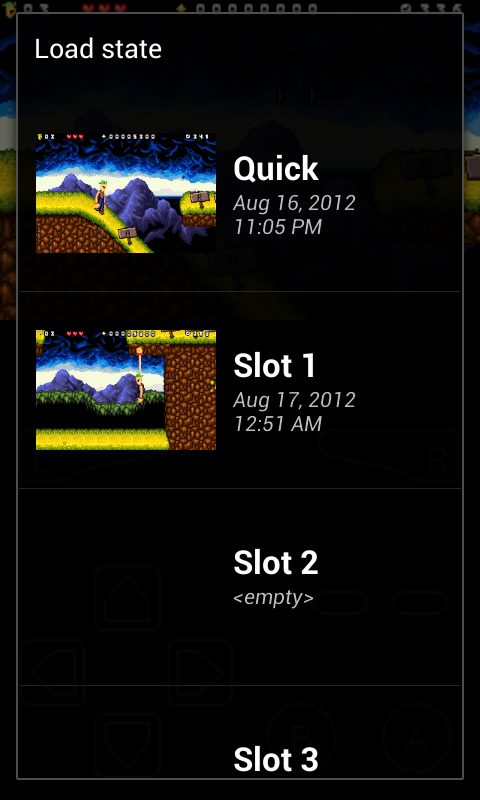
A save state records the game at a specific moment. Instead of reaching an official save point, a player may be able to stop during a difficult level, close the emulator and continue later from almost the same position.
This is particularly useful on mobile devices. Someone might play for ten minutes while travelling, stop when needed and return later without repeating a long section.
There is still a good reason to use normal in-game saves too. Emulator save states can sometimes depend on a specific emulator version or configuration. Keeping regular game saves alongside save states gives players an additional backup method.
Touch Controls vs a Physical Controller
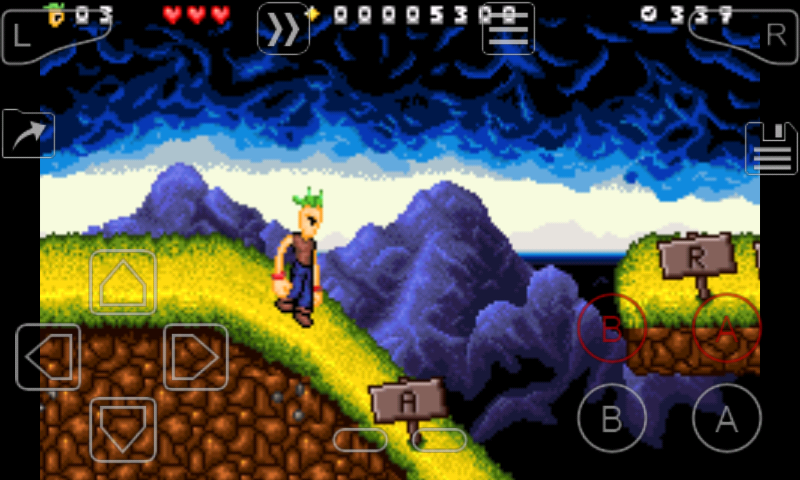
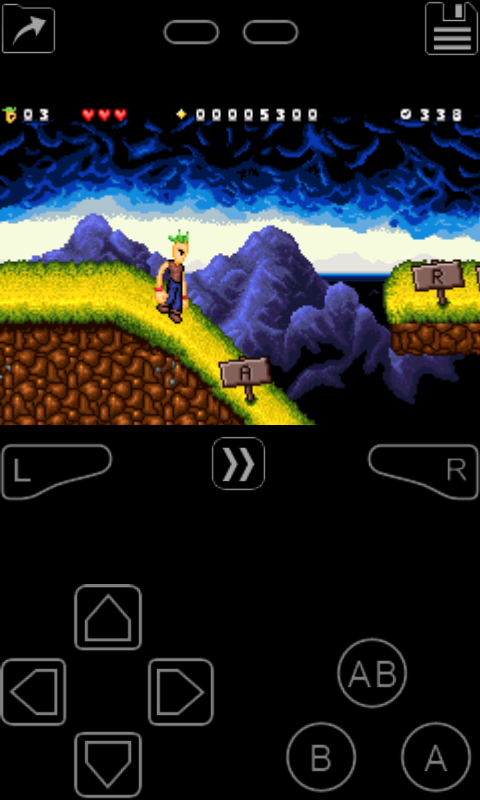
One of the biggest differences between a real GBA and smartphone emulation is the control system. The original handheld had physical buttons that could be pressed without looking at them. A phone usually places virtual controls over the screen. This works reasonably well for slower games, puzzle titles and turn-based RPGs, but fast action games may feel more difficult.
Racing, fighting and platform games often require precise timing. In those cases, a compatible Bluetooth or USB controller may provide a more natural experience.
Touch controls can still work well if the emulator allows users to change button size, position or transparency. A practical setup is to move the buttons toward the natural resting position of your thumbs rather than accepting the default layout. That small adjustment can make long sessions much more comfortable.
Performance Depends on More Than the Emulator
GBA emulation is relatively light compared with emulating newer consoles, but performance can still vary between Android devices. Processor speed, Android version, battery-saving settings and background applications can affect gameplay. Some phones may run most titles without noticeable issues while older devices could experience audio problems, slowdowns or input delay.
Users experiencing poor performance should first try simple changes before assuming the game itself is faulty. Closing unnecessary apps, disabling aggressive battery restrictions and returning graphics settings to their defaults can sometimes help.
Speed controls should also be used carefully. Fast-forward is useful in slower RPG sections or repetitive battles, but increasing emulation speed can also make audio less stable or make precise controls harder.
What Game Files Does a GBA Emulator Use?
Game Boy Advance emulators normally load digital copies of GBA game cartridges, commonly known as ROM files. The emulator itself does not automatically mean that games are included. This distinction matters because an emulator and the game files it runs are separate things.
Users should obtain game files legally and follow the copyright rules that apply in their country. Downloading copyrighted games from unofficial websites can create legal and security concerns.
It is also worth being cautious with websites offering large ROM collections. Files from unknown sources may be mislabeled, damaged or bundled with unwanted software. Using legally obtained backups from games you own is the safer approach.
Can My Boy GBA Emulator APK Run Every Game Boy Advance Title?
No emulator should automatically be assumed to run every game perfectly. Compatibility can depend on the individual game, emulator version and Android device. Most normal GBA titles may behave as expected, while unusual games or software that relied on special cartridge hardware may require extra support.
Games can also appear broken when the real problem is the game file itself. A damaged ROM may freeze, fail to save or show graphical errors even when the emulator is working correctly. Before changing many emulator settings, users should confirm that the game file is valid and compatible.
Useful Settings Worth Checking First
New users do not need to change every option in the settings menu. Starting with a few practical adjustments is usually better.
Screen layout
Choose between portrait and landscape orientation based on the game and your preferred control position. Landscape generally provides a larger game image while portrait can resemble a traditional handheld layout.
Button positioning
Adjust virtual controls so they can be reached comfortably without covering important parts of the game screen.
Save locations
Understand where regular saves and save states are stored. This becomes especially important when changing devices, reinstalling the app or creating backups.
Audio settings
If sound crackles or falls out of sync, return unusual speed or performance settings to normal before making more advanced changes. Changing too many settings at once makes troubleshooting harder because you no longer know which adjustment caused the problem.
Is My Boy! Better Than Other GBA Emulators?
That depends on what the user values most. Some players prefer an emulator with a simple interface and straightforward controls. Others care more about open-source development, advanced accuracy options, controller support or compatibility across several operating systems.
Alternatives in the GBA emulation space can include applications based on projects such as mGBA or RetroArch, depending on the platform and current availability.
My Boy! may suit Android users who want a focused GBA emulator with convenient mobile features. A different emulator may be more suitable for users who regularly move save files between computers, phones and other gaming devices.
The better choice is therefore not simply the emulator with the longest feature list. It is the one that matches the player’s device and playing habits. You can also download GPS Emulator Mod APK.
Common Mistakes New Users Make
One frequent mistake is immediately changing graphics, speed and audio settings before testing a game with the default configuration. Defaults are usually the best starting point.
Another is depending entirely on save states. Keeping normal in-game saves provides an extra layer of protection if a save state becomes incompatible after an update.
Users should also avoid downloading random APK files or ROM packages simply because they promise unlocked features or huge game libraries. Modified apps from unknown sources can create privacy or security risks. Installing apps through trusted sources and keeping personal game backups organised is the safer approach.
Is My Boy! Suitable for Beginners?
Yes, it can be approachable for beginners because the basic process is fairly simple: install the emulator, provide a compatible game file, configure controls and start playing. The more advanced settings can usually be ignored until they are actually needed.
A first-time user should focus on four things: confirm that the game file is legitimate and working, keep both normal saves and save states, adjust the touch controls for comfort and avoid unnecessary performance changes. That approach removes much of the confusion people often associate with emulation.
A Practical Way to Decide
My Boy GBA Emulator Apk is most relevant to Android users who want access to Game Boy Advance software in a mobile format. Features such as save states, adjustable controls and speed options can make older games easier to fit into modern playing habits.
It is not automatically the right emulator for everyone. Players who want maximum emulation accuracy, desktop support or advanced cross-device features may prefer another option.
For casual GBA play on Android, the best approach is simple: use legally obtained game files, begin with default settings and only adjust controls or performance options when there is a clear reason. That produces a cleaner setup and makes troubleshooting much easier if something does not work as expected.


![SD Movies Point APK Download [Latest Version] 2026](https://apkpure.co.in/wp-content/uploads/2023/12/SD-Movies-Point-icon-96x96.webp)



